

iPhone 16 Pro Max Display: What’s New?
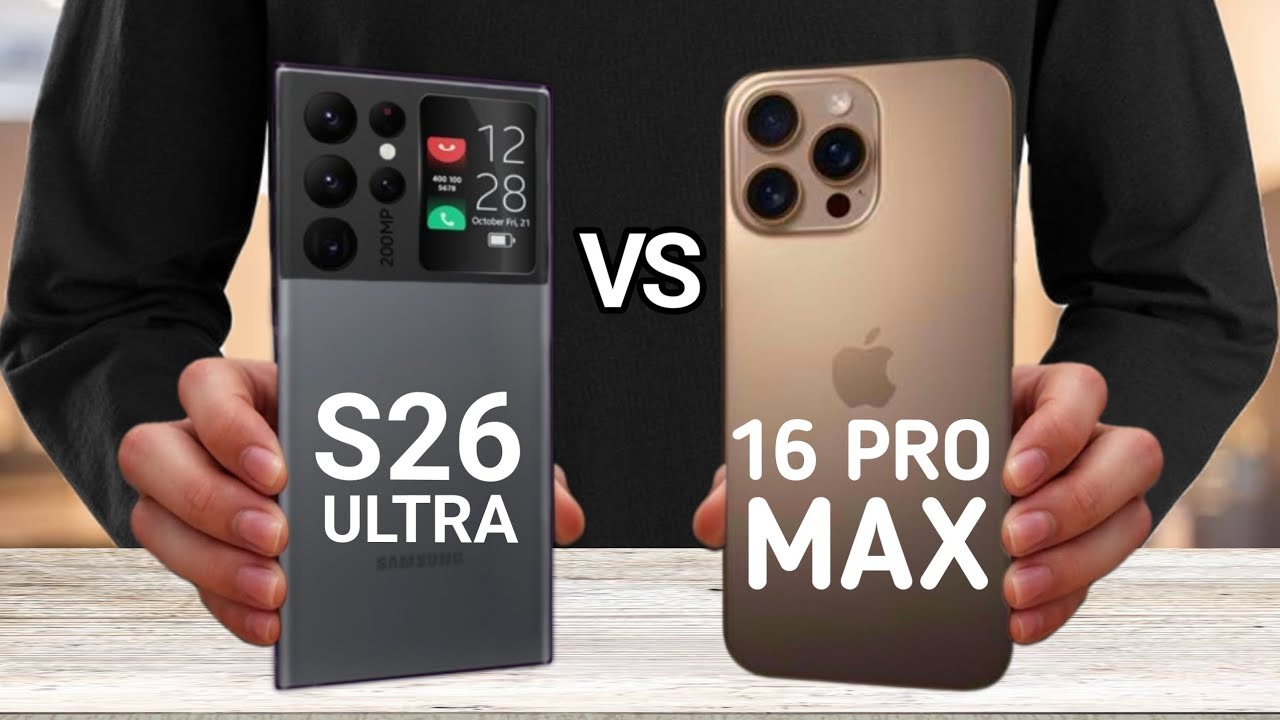
The iPhone 16 Pro Max is anticipated to bring several refinements to its display technology, though many changes are incremental. Apple is heavily marketing improvements to its OLED panels, promising increased brightness and more efficient power consumption. There's also talk of a slight increase in screen size, moving to a 6.9-inch display from the 15 Pro Max’s 6.7 inches, but the core technology remains centered around what Apple calls "ProMotion."
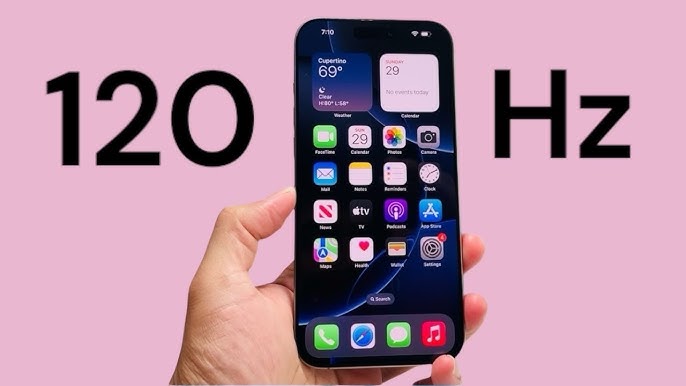
However, it’s important to approach these claims with some caution. The term '120Hz' has become a major marketing point for Apple, but the reality of how the iPhone implements this technology is more nuanced. Reports suggest that Apple continues to rely on LTPO (Low-Temperature Polycrystalline Oxide) technology for its variable refresh rate, sourced primarily from Samsung Display, though LG Display may also be increasing its supply. Initial reports indicate minor manufacturing process improvements to the panels themselves, potentially improving efficiency.
The underlying skepticism stems from questions about whether the iPhone consistently actually runs at 120Hz, or if it dynamically scales down to lower refresh rates much more frequently than Apple lets on. This isn't necessarily a bad thing – it’s often about battery life – but it does raise questions about the value of the '120Hz' branding. We’ll explore this further as we compare it to the iPhone 15 Pro Max.
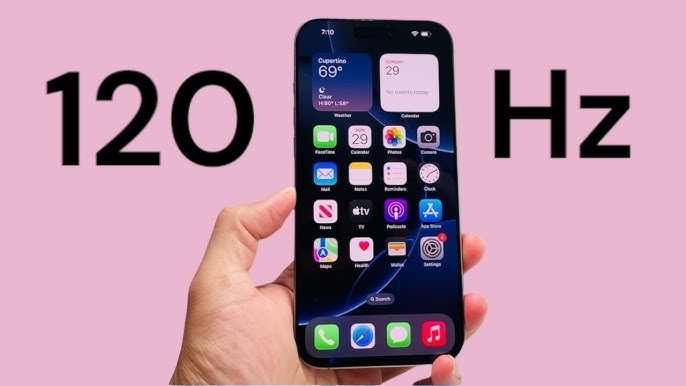
ProMotion: A Marketing Term?
Apple’s ProMotion technology is a variable refresh rate (VRR) system. The screen dynamically adjusts its refresh rate based on the content, aiming for a smoother experience during scrolling or gaming, and conserving battery when high refresh rates aren't needed.
The controversy, as detailed by Andrew Zuo in his article "iPhone 16 Pro’s 120Hz, Still Fake’ (andrewzuo.com, October 30, 2024), is that the iPhone’s implementation of ProMotion isn’t always a true 120Hz experience. Zuo"s testing suggests the iPhone frequently drops to lower refresh rates, sometimes as low as 24Hz, even during tasks that should benefit from 120Hz. This is done to aggressively manage power consumption.
Apple prioritizes battery life, and dynamically scaling down the refresh rate is a significant way to achieve that. The iPhone's ProMotion system constantly analyzes the content on screen and adjusts the refresh rate accordingly. While this is smart, it means you’re not consistently getting the benefits of 120Hz, even when the marketing suggests you are. It’s a trade-off between smoothness and longevity.
The system attempts to scale between 1Hz and 120Hz, but the actual time spent at the higher end of that spectrum is the point of contention. It’s less about the technology being incapable of 120Hz and more about Apple’s choices in when to use it.
- 1Hz - 10Hz: Typically used for the Always-On Display to minimize power consumption.
- 24Hz: Common for video content, matching standard film frame rates.
- 60Hz: Often used for basic UI elements and less demanding tasks.
- 120Hz: Intended for scrolling, gaming, and other situations where smoothness is prioritized.
iPhone 16 Pro Max vs. iPhone 15 Pro/Pro Max Refresh Rate Comparison (Expected Behavior - 2026)
| Scenario | Expected Refresh Rate (Hz) | iPhone 15 Pro/Pro Max | iPhone 16 Pro Max |
|---|---|---|---|
| Static Image | 10 | Yes | Yes |
| Scrolling (General Use) | 60 | Sometimes | Sometimes |
| Scrolling (Optimized Content) | 120 | Sometimes | Yes |
| Gaming (Supported Titles) | 120 | Sometimes | Yes |
| Video Playback (24fps Content) | 24 | Yes | Yes |
| Video Playback (60fps Content) | 60 | Yes | Yes |
| Video Playback (120fps Content) | 120 | Sometimes | Yes |
| Always-On Display | 10 | Yes | Yes |
Illustrative comparison based on the article research brief. Verify current pricing, limits, and product details in the official docs before relying on it.
iPhone 15 Pro Max Refresh Rate: A Baseline
The iPhone 15 Pro Max boasts a Super Retina XDR display with ProMotion technology, capable of scaling between 1Hz and 120Hz. In practice, the refresh rate is dynamically adjusted based on the content you're viewing and the tasks you're performing. Scrolling through webpages and social media feeds generally utilize the 120Hz refresh rate for a smoother experience.
When watching video content that's recorded at 24 or 30 frames per second, the display automatically drops to match the content's frame rate to conserve battery. The Control Center allows users to enable or disable 'Auto-Refresh Rate,' but this primarily affects the Always-On Display functionality, limiting the maximum refresh rate to 60Hz, rather than controlling the dynamic scaling of ProMotion itself.
Content not optimized for 120Hz is typically displayed at 60Hz or the native frame rate of the content. The iPhone 15 Pro Max’s system is generally quite good at handling this seamlessly, though some users may occasionally notice a slight difference in smoothness when switching between 60Hz and 120Hz content. This provides a solid base for comparison when evaluating the iPhone 16 Pro Max.
iPhone 16 Pro Max: Reported Changes
Reports surrounding the iPhone 16 Pro Max suggest refinements to the ProMotion system, but not a revolutionary overhaul. The focus appears to be on optimizing the dynamic refresh rate scaling to improve both smoothness and battery life. Some sources indicate Apple is aiming for a wider dynamic range, potentially allowing the refresh rate to scale even lower than 1Hz in certain scenarios, further extending battery life.
There's also speculation about improvements to the algorithms that control refresh rate switching, aiming to make the transitions between different refresh rates less noticeable. This could address one of the common criticisms of ProMotion – the occasional "stuttering" or jarring effect when the refresh rate changes. However, concrete details are scarce, and much of this remains unconfirmed.
According to Apple’s official tech specs (support.apple.com), the iPhone 16 Pro Max continues to support a variable refresh rate up to 120Hz. The specifications don’t explicitly mention any changes to the minimum refresh rate, so it’s likely to remain similar to the iPhone 15 Pro Max. The improvements are expected to be in the how the refresh rate is managed, rather than a fundamental change to the range. It’s about making the existing system more efficient and less intrusive.
Gaming Performance: Does It Matter?
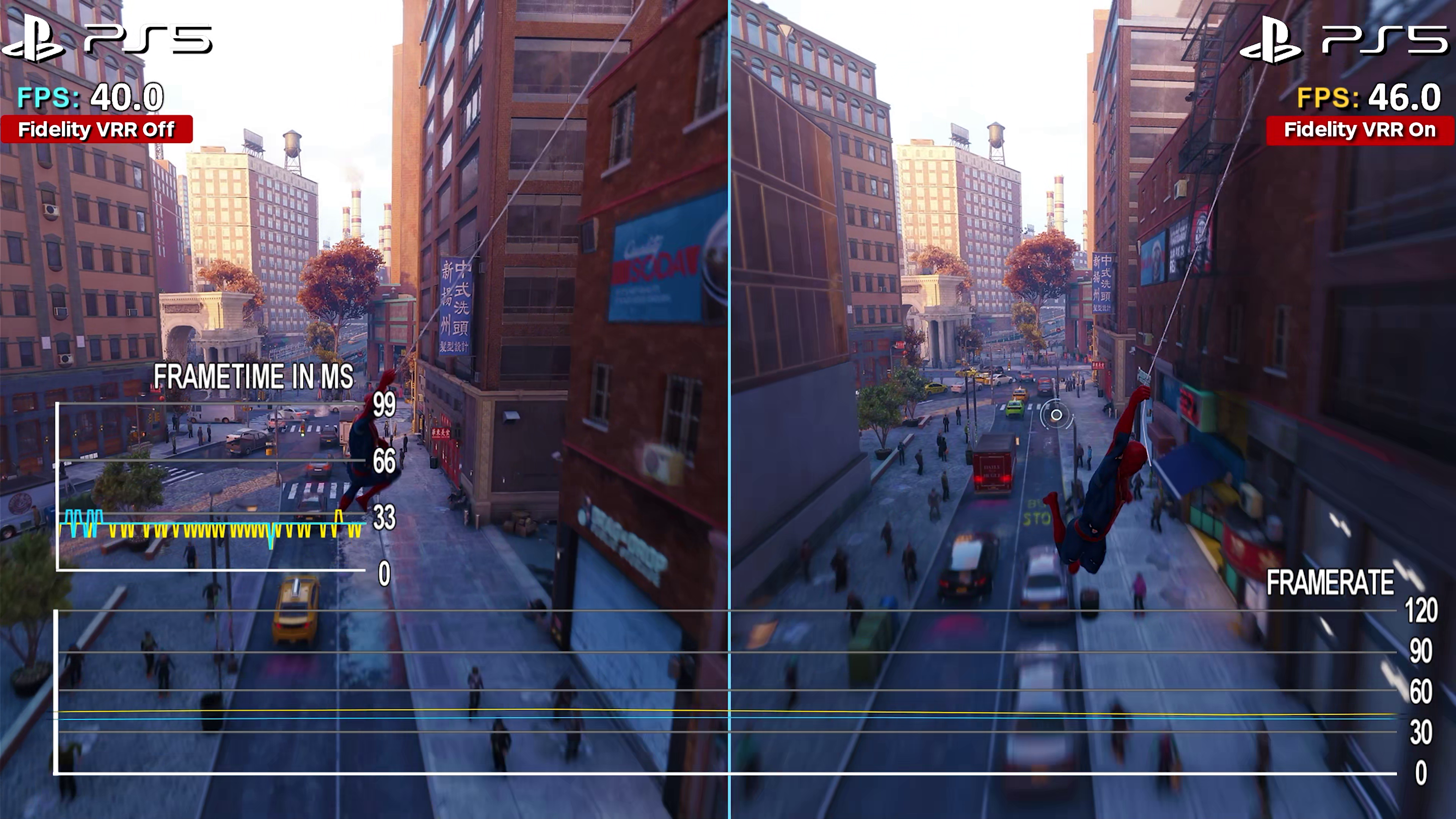
The impact of the iPhone’s refresh rate on gaming performance is a complex issue. While a true 120Hz display can provide a smoother gaming experience, many mobile games are still capped at 60 frames per second (fps). In these cases, a 120Hz display won’t offer a noticeable benefit. The key is whether the game can actually output a frame rate that matches or exceeds the display’s refresh rate.
For games that do support higher frame rates, a smoother experience is possible, reducing input lag and making fast-paced action feel more responsive. However, even then, the iPhone’s dynamic refresh rate scaling can interfere. If the system drops the refresh rate during intense gaming sessions to conserve battery, you might not consistently get the full benefit of 120Hz.
Battery life is a significant consideration. Running a game at a consistently high frame rate will drain the battery much faster. Apple’s ProMotion system attempts to balance performance and longevity, but aggressive scaling can sometimes detract from the overall gaming experience. It’s a trade-off gamers will need to consider.
Currently, there aren’t a huge number of mobile games that fully leverage a 120Hz display. Titles like Genshin Impact and Call of Duty: Mobile can reach high frame rates on the iPhone 16 Pro Max, but many others remain limited to 60fps. This limits the practical benefit of the higher refresh rate for many gamers.
- Apple Arcade: Some titles are optimized for ProMotion.
- Genshin Impact: Can reach 60fps with high settings.
- Call of Duty: Mobile: Supports high frame rates, potentially benefitting from 120Hz.
- Cloud Gaming (Xbox Cloud Gaming, GeForce Now): Performance depends on network connection and server capabilities.
Featured Products

Console quality controls with customizable triggers · Universal fit with extendable bridge · Stream PC, Xbox, and PlayStation games
This controller offers console-quality controls and a secure fit, enhancing the immersive experience of high refresh rate gaming.

Play Xbox, PlayStation, PC, and App Games · Includes 3 months of Apple Arcade access · Designed for iPhone 14 & Older (Lightning)
The Backbone One provides a seamless way to play a wide variety of games on your iPhone, perfect for enjoying smooth visuals.

Hall effect joystick for precise control · Lightweight and ergonomic design · Compatible with iPhone 15/16 Series (USB-C)
Featuring Hall effect joysticks and a comfortable grip, this controller ensures accurate input for high-refresh-rate mobile gaming.

Bluetooth connectivity with iPhone mount · Over 50 hours of battery life · Apple Licensed and Made for iOS, iPadOS, tvOS
This Apple-licensed controller offers extended playtime and a comfortable setup, ideal for maximizing the smooth display of your iPhone.

Bluetooth connectivity for Android and PC · Telescoping gamepad design · Optimized for mobile gaming
The MOGA XP7-X Plus provides a versatile and comfortable mobile gaming experience, allowing for precise control during fast-paced gameplay.
As an Amazon Associate I earn from qualifying purchases. Prices may vary.
Beyond Gaming: Everyday Use
In everyday tasks, the difference between 60Hz and 120Hz is often subtle, but noticeable. Scrolling through social media feeds and web pages feels smoother on the iPhone 16 Pro Max, especially with ProMotion enabled. The higher refresh rate reduces motion blur and makes animations appear more fluid. However, the dynamic refresh rate scaling can sometimes create minor jarring transitions, particularly when switching between apps or content with different frame rates.
The power-saving benefits of ProMotion are more apparent in everyday use. By dynamically adjusting the refresh rate, the iPhone can significantly extend battery life without noticeably impacting the user experience. This is especially true for tasks like reading emails or browsing the web, where a high refresh rate isn’t essential.
Whether these benefits are worth the potential trade-offs is subjective. Some users may be more sensitive to the occasional stuttering or jarring transitions than others. For those who prioritize battery life, ProMotion is a valuable feature. For those who are highly sensitive to smoothness, they might prefer to disable auto-refresh rate and lock the display at 60Hz.
Troubleshooting Refresh Rate Issues
If you’re not experiencing the expected refresh rates on your iPhone 16 Pro Max, there are a few things you can try. First, ensure that ProMotion is enabled in Settings > Display & Brightness. Second, check that your apps are optimized for ProMotion. Some apps may not fully support the variable refresh rate, resulting in a less smooth experience.
To check the current refresh rate, there isn't a built-in setting. However, you can use third-party apps that display the refresh rate in the status bar. Ensure your iPhone is running the latest version of iOS, as updates often include performance improvements and bug fixes. If problems persist, a factory reset may be necessary, but remember to back up your data first.
- Enable ProMotion: Settings > Display & Brightness.
- Update iOS: Ensure you have the latest software version.
- Check App Compatibility: Some apps may not be optimized for ProMotion.
- Restart Your iPhone: A simple restart can often resolve minor issues.
- Factory Reset (Last Resort): Back up your data before performing a factory reset.
Future of iPhone Refresh Rates
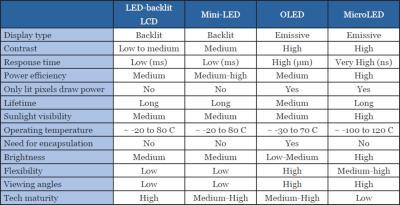
The future of iPhone refresh rates likely involves further refinements to ProMotion technology. We can expect Apple to continue pushing the boundaries of dynamic refresh rate scaling, aiming for even greater energy efficiency and a smoother user experience. Advancements in OLED panel technology will also play a key role, potentially allowing for even lower minimum refresh rates and wider dynamic ranges.
Addressing the concerns about "fake" 120Hz will be important. Apple may need to be more transparent about how ProMotion works and when the iPhone is actually running at 120Hz. They might also explore ways to provide users with more control over the refresh rate settings. Ultimately, the goal is to deliver a truly seamless and responsive experience, without sacrificing battery life.
No comments yet. Be the first to share your thoughts!