

The jump beyond 144Hz
I remember the first time I saw a 144Hz monitor. I'd been perfectly content with 60Hz for years, never really thinking about how the screen felt. Then, switching to 144Hz was like removing a blur from my vision. Suddenly, motion was clearer, everything felt more responsive. It wasn’t just about seeing more frames, it was about feeling more connected to the game.
But what is refresh rate, exactly? Simply put, it’s how many times per second your monitor redraws the image. Measured in Hertz (Hz), a 144Hz monitor updates the picture 144 times a second, while a 60Hz monitor does it 60 times. Gamers care because a higher refresh rate translates to smoother motion, reduced motion blur, and a more responsive feel – all things that can give you an edge.
For a long time, 60Hz was the standard. Then 144Hz came along and changed everything. It was a significant jump, immediately noticeable to most people. We've moved past the 144Hz era. With 240Hz and 360Hz screens hitting the shelves, the question is whether the extra frames actually help you hit more shots or if you're just paying for a number on a box.
I want to look at where the benefits stop being obvious. For most, there is a point where the cost of the monitor and the PC hardware required to run it doesn't match the slight edge you get in a match.
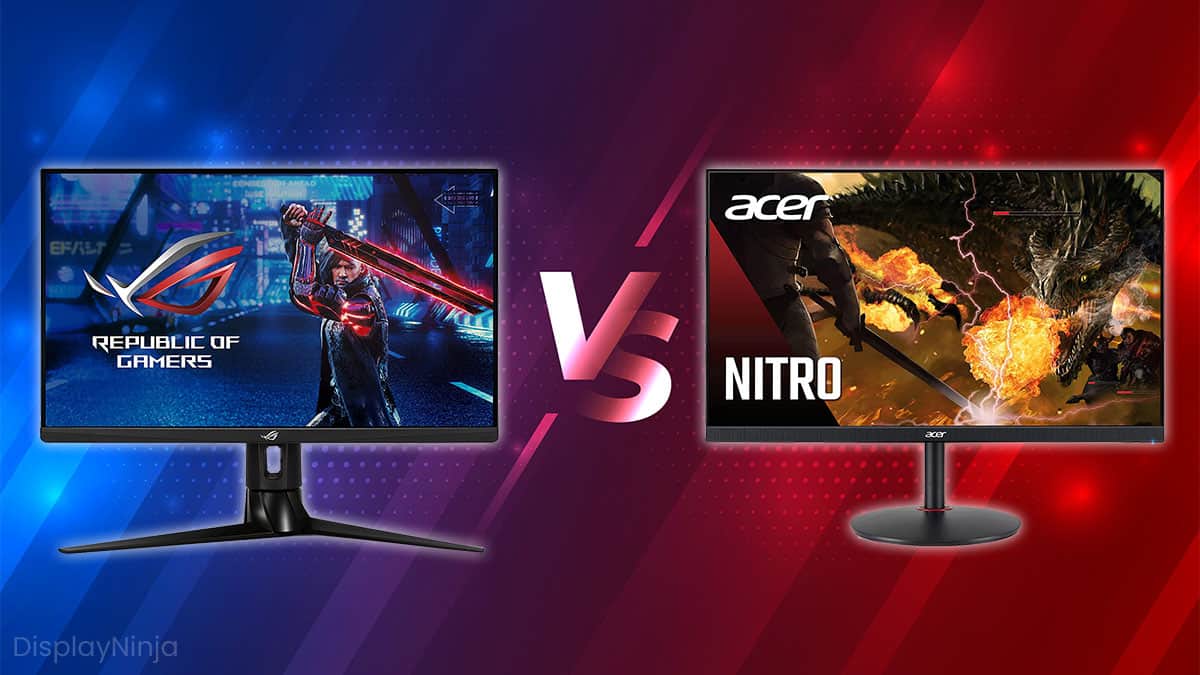
Why your frame rate is the real bottleneck
Your monitor’s refresh rate isn’t the whole story. You also need to consider your frame rate – the number of frames your computer is generating per second (FPS). Your monitor can only display as many frames as its refresh rate allows. If your game is running at 60 FPS on a 144Hz monitor, you’ll only see 60 of those frames.
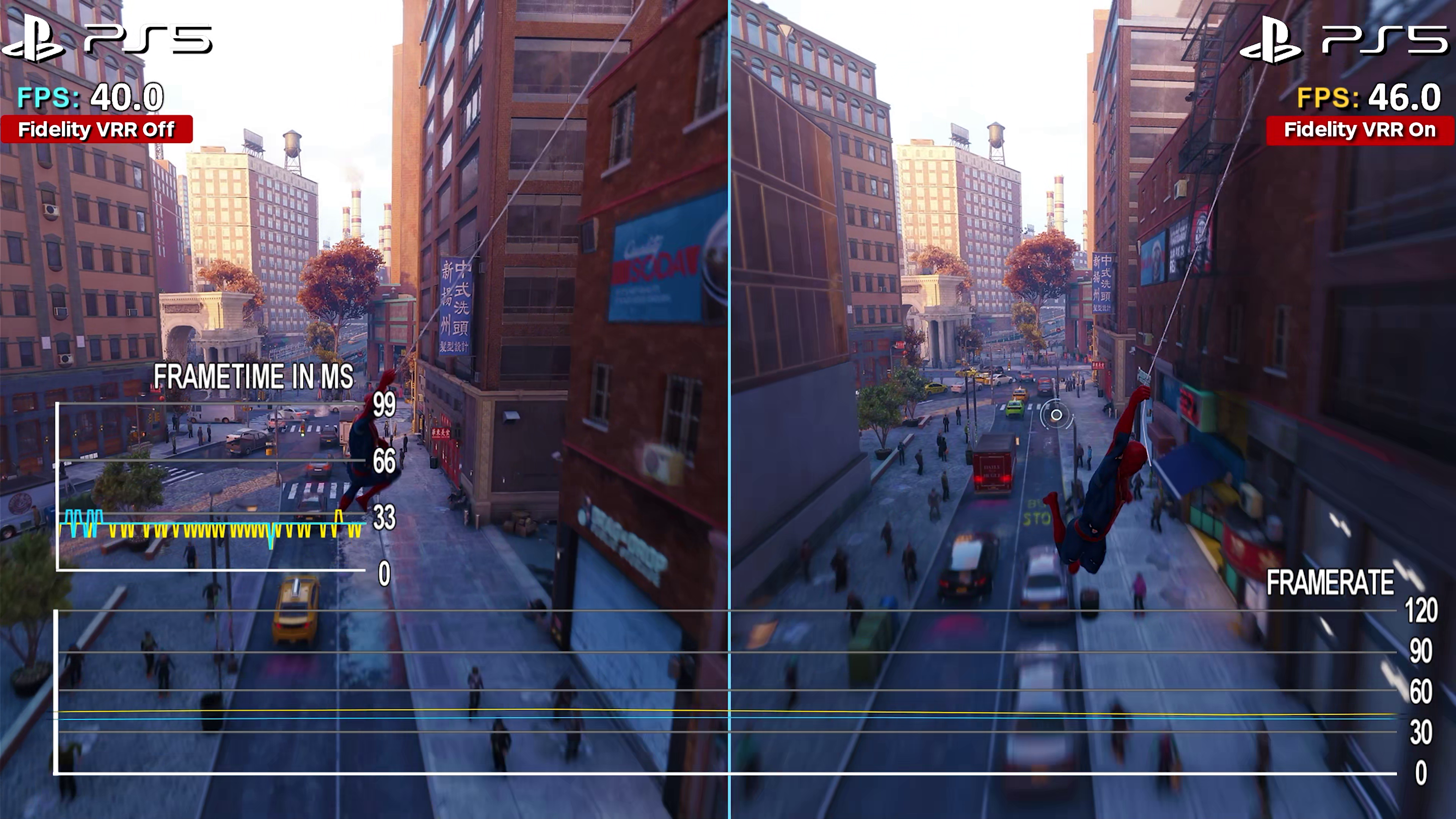
This is where technologies like VSync, FreeSync, and G-Sync come into play. VSync attempts to synchronize your frame rate with your monitor’s refresh rate, preventing "screen tearing’ – that jarring visual artifact that happens when your monitor displays parts of two different frames at the same time. However, VSync can introduce input lag, which isn"t ideal for fast-paced games.
FreeSync (AMD) and G-Sync (Nvidia) are adaptive sync technologies. They dynamically adjust the monitor’s refresh rate to match your frame rate, eliminating screen tearing without the input lag penalty of VSync. They're genuinely fantastic when they work properly, but require compatible hardware.
A higher refresh rate is only beneficial if your system can consistently output a higher FPS. There’s a diminishing return, though. The jump from 60Hz to 144Hz is massive, a complete game changer. Going from 144Hz to 240Hz is noticeable, but less dramatic. And pushing to 360Hz? That’s where things get really marginal – and expensive.
Perceived Smoothness vs. FPS & Refresh Rate
Data: AI-generated estimate for illustration
Is 240Hz the practical limit?
For many gamers, a 240Hz monitor represents the sweet spot between performance and price. It offers a significant improvement over 144Hz, providing even smoother motion and reduced blur, without the extreme cost of 360Hz displays. Competitive FPS players, especially those involved in esports, are the ones who will benefit the most.
You’ll typically find 240Hz monitors utilizing three main panel types: TN (Twisted Nematic), IPS (In-Plane Switching), and VA (Vertical Alignment). TN panels are the fastest, offering the lowest response times, but often at the expense of color accuracy and viewing angles. IPS panels provide excellent color accuracy and wide viewing angles, but historically had slower response times – though this has improved dramatically in recent years.
VA panels offer a compromise between TN and IPS, with good contrast ratios and decent response times. However, they can suffer from "black smearing", where dark colors leave trails during fast motion. Response time and input lag are also extremely important. Lower response times (measured in milliseconds) mean less ghosting and more clarity.
As of late 2026, monitors like the ASUS ROG Swift PG248QP (TN, 0.5ms response time) and the LG 27GN850-B (IPS, 1ms response time) are popular choices. I’ve seen good things about the Gigabyte M28U as well. But realistically, 240Hz is excellent, but not everyone needs it. If you’re playing slower-paced games, or your PC struggles to consistently hit 240 FPS, the benefits will be minimal.
Featured Products

24.5-inch Full HD IPS display · 360Hz refresh rate · AMD FreeSync Premium support
This monitor offers an ultra-high 360Hz refresh rate for exceptionally smooth motion, ideal for competitive gaming where every millisecond counts.

27-inch 4K QD-OLED display · 240Hz refresh rate with 0.03ms response time · G-SYNC Compatible
The ASUS ROG Swift delivers stunning 4K visuals with a fast 240Hz refresh rate and QD-OLED technology for incredible contrast and color accuracy.

27-inch QHD (2560x1440) IPS display · 200Hz refresh rate (OC to 210Hz) · 1ms GTG response time
This GIGABYTE monitor provides a sharp QHD resolution and a high 200Hz refresh rate, making it a versatile option for both gaming and productivity with its KVM switch.

26.5-inch WQHD (2560x1440) QD-OLED display · 240Hz refresh rate with 0.03ms response time · AMD FreeSync Premium and G-SYNC Compatible
The Acer Predator offers a premium QD-OLED panel with a 240Hz refresh rate and excellent color reproduction, providing a visually immersive and responsive gaming experience.

27-inch QHD (2560x1440) Rapid IPS display · 170Hz refresh rate · 1ms response time
With its QHD resolution and 170Hz refresh rate, the MSI G272QPF is a solid choice for gamers seeking a smooth and clear visual experience without breaking the bank.
As an Amazon Associate I earn from qualifying purchases. Prices may vary.
The diminishing returns of 360Hz
360Hz monitors are still relatively new to the market, and they come with a premium price tag. They’re aimed at a very specific audience: extremely competitive esports athletes at the highest levels. We're talking about players competing for prize pools, where every millisecond counts. For the average gamer, the benefits are likely to be negligible.
To truly take advantage of a 360Hz monitor, you need a very powerful PC. You need to be able to consistently hit 360 FPS in the games you play. This requires a high-end CPU, a top-of-the-line GPU, and plenty of RAM. Even then, maintaining 360 FPS in demanding titles can be challenging.
The potential for diminishing returns is significant. Is the improvement over 240Hz noticeable enough to justify the substantial cost increase? Many professional players struggle to consistently perceive a difference. The difference is subtle, and requires a trained eye and a very sensitive reaction time.
I'm skeptical. If you have $800 to spend, putting it toward a faster GPU or a better CPU will almost always result in a better experience than jumping from 240Hz to 360Hz.
Panel tech and response times
A high refresh rate doesn’t automatically guarantee a good gaming experience. The quality of the panel itself is just as important. As we touched on earlier, TN, IPS, and VA panels each have their strengths and weaknesses. You need to consider what matters most to you: speed, color accuracy, viewing angles, or contrast.
Ghosting and overshoot are common artifacts that can detract from the gaming experience. Ghosting occurs when the image appears blurry due to slow pixel response times. Overshoot happens when pixels transition too quickly, resulting in a "corona" effect around moving objects. Finding a monitor with a well-tuned response time is crucial.
Pixel response time is the time it takes for a pixel to change from one color to another. Gray-to-gray response time is a common metric, but it doesn’t always accurately reflect real-world performance. It’s important to read reviews and look for independent testing data.
Viewing angles and color accuracy are also important considerations, especially if you’re not playing directly in front of the monitor. IPS panels generally offer the best viewing angles and color accuracy, while TN panels tend to have the worst. A good monitor will offer wide viewing angles and accurate color reproduction for an immersive gaming experience.
Panel Type Comparison for High Refresh Rate Gaming Monitors
| Panel Type | Response Time (typical range) | Viewing Angles | Color Accuracy | Cost |
|---|---|---|---|---|
| TN | Excellent | Poor | Fair | Generally Lower |
| IPS | Good | Excellent | Excellent | Moderate to High |
| VA | Good | Good | Good | Moderate |
Illustrative comparison based on the article research brief. Verify current pricing, limits, and product details in the official docs before relying on it.
Top 360Hz Monitors Worth Considering (2026)
Despite my reservations about the value of 360Hz for most gamers, there are some genuinely good monitors available. These are models that offer a solid balance of performance, features, and price. If you’re determined to push the boundaries of refresh rate, these are worth considering.
The ASUS ROG Swift PG326Q is a standout, offering a 32-inch IPS panel with a 360Hz refresh rate and a 1ms response time. It’s expensive, but it delivers excellent image quality and smooth motion. The Alienware AW3423DW is a 34-inch ultrawide monitor with a 360Hz refresh rate and a QD-OLED panel, offering incredible contrast and color accuracy. It’s a premium option, but it’s worth the investment if you want the best possible gaming experience.
The Acer Predator X363U is another strong contender, featuring a 27-inch IPS panel with a 360Hz refresh rate and a 0.5ms response time. It’s a bit more affordable than the ASUS and Alienware options, making it a good choice for gamers who want high performance without breaking the bank.
Ultimately, the best 360Hz monitor for you will depend on your individual needs and budget. But these three models represent some of the best options available in 2026.
Featured Products
24.5-inch Full HD (1920 x 1080) IPS display · 360Hz refresh rate for ultra-smooth motion · AMD FreeSync Premium technology
This monitor provides a high-speed 360Hz refresh rate for exceptionally fluid gameplay and a competitive advantage.

24.5-inch Full HD (1920 x 1080) Fast IPS display · 360Hz refresh rate · NVIDIA G-SYNC Ultimate certification
The ASUS ROG Swift delivers a top-tier competitive gaming experience with its 360Hz refresh rate, G-SYNC Ultimate, and advanced latency analysis tools.
24.5-inch Full HD (1920 x 1080) IPS display · 360Hz refresh rate for ultra-smooth motion · AMD FreeSync Premium technology
This monitor provides a high-speed 360Hz refresh rate for exceptionally fluid gameplay and a competitive advantage.

27-inch QHD (2560 x 1440) QD-OLED display · 360Hz refresh rate · 0.03ms response time for near-instantaneous pixel transitions
The MSI MPG 271QRX offers a stunning QD-OLED panel with a 360Hz refresh rate and incredibly fast response times for unparalleled visual clarity and speed.
As an Amazon Associate I earn from qualifying purchases. Prices may vary.
No comments yet. Be the first to share your thoughts!