
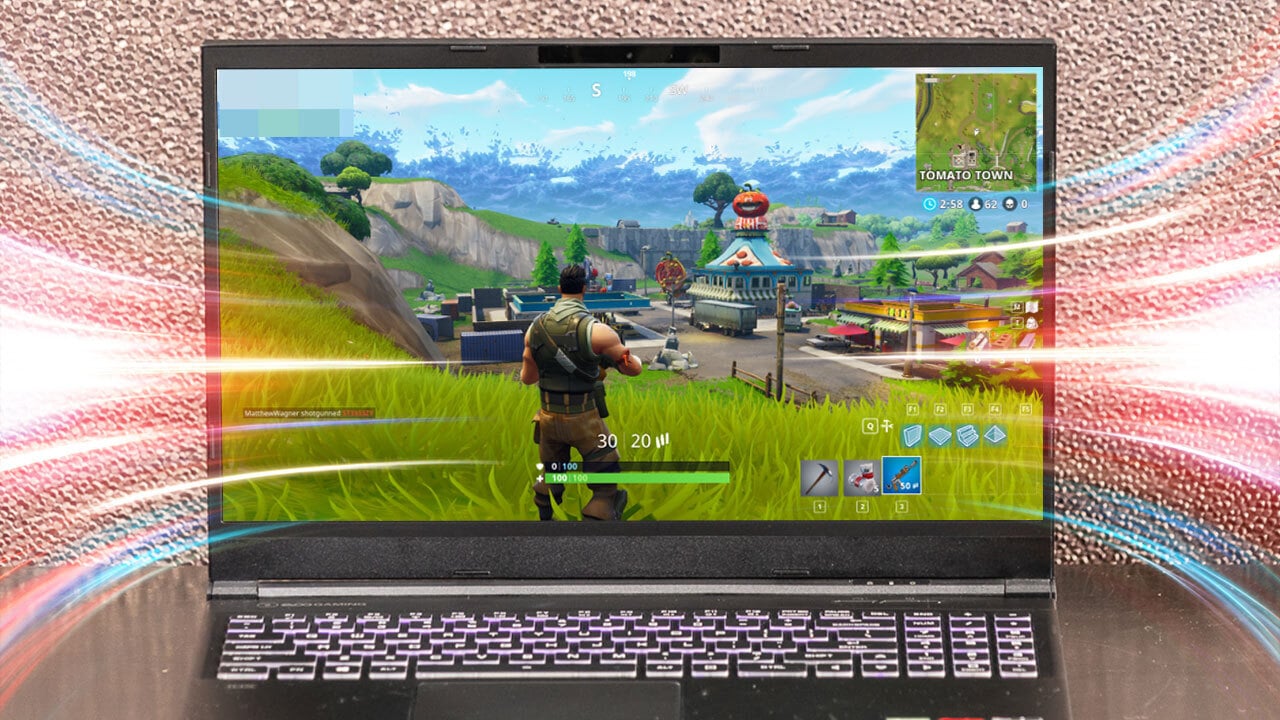

What refresh rate actually means
Understanding the difference between refresh rate and frame rate is the first step in choosing the Best Refresh Rates for Gaming. Refresh rate, measured in Hertz (Hz), is the monitor's hardware limit—the number of times per second it can redraw the image on the screen. Frame rate, measured in Frames Per Second (FPS), is the output of your graphics card (GPU). Think of the monitor as a projector and the GPU as the film reel; if the projector can only flip frames 60 times a second, even a high-end GPU pumping out 200 frames will be capped by that physical limit.
This distinction matters because mismatched specs lead to visual artifacts like screen tearing, where the monitor displays parts of two different frames simultaneously. When your GPU output exceeds your monitor's refresh rate, the display struggles to keep up. Conversely, if your GPU cannot produce enough frames to fill the monitor's capacity, you experience stuttering or input lag. For most gamers, the goal is to balance these two numbers so the monitor can fully utilize the GPU's power without wasting performance on frames that never appear on screen.
While 60Hz remains standard for office work and casual browsing, it often feels sluggish in fast-paced shooters or racing games. Moving to 120Hz or 144Hz provides a noticeable jump in smoothness, making tracking enemies or navigating corners feel more responsive. Competitive players often push for 240Hz or higher, where every millisecond of reduced motion blur can impact reaction times. Choosing the right refresh rate ensures your hardware investment translates directly into a smoother, more competitive gaming experience.
60Hz still works for casual play
The debate over the best refresh rates for gaming often dismisses 60Hz as obsolete, but that overlooks a massive segment of players. For casual gamers, budget-conscious buyers, or those who prioritize narrative and exploration over twitch reflexes, 60Hz remains a perfectly viable standard. You do not need to spend extra for 144Hz or 240Hz if your gaming sessions are relaxed.
Slow-paced genres like strategy, simulation, and RPGs do not benefit from high refresh rates. In a title like Civilization VI or Stardew Valley, the game state changes in minutes, not milliseconds. The smoothness of motion is irrelevant when the core loop relies on thoughtful decision-making rather than frame-perfect reactions. A standard 60Hz panel delivers a crisp, stable image that is more than enough for these experiences.
Even in faster shooters, 60Hz is acceptable if you are not playing competitively. If you are enjoying Call of Duty or Overwatch 2 in casual modes against friends, the difference between 60 and 144 frames per second is noticeable but rarely game-breaking. The goal is enjoyment, not esports dominance. Saving money on a lower refresh rate monitor allows you to invest in a better GPU or a larger screen instead.
120Hz and 144Hz: The sweet spot
For most gamers, 120Hz and 144Hz represent the best refresh rates for gaming because they strike the ideal balance between smooth performance and cost. While 60Hz is sufficient for casual play, fast-paced shooters and racing games reveal their limits quickly. Moving to 144Hz cuts motion blur significantly, making enemy movements clearer and easier to track without requiring a high-end graphics card or a premium price tag.
This range is often called the "sweet spot" because the visual improvement over 60Hz is dramatic, yet the hardware demands are manageable. You don't need the latest flagship GPU to push 144 frames per second in most titles, meaning you can upgrade your monitor first and let your PC catch up later. This flexibility makes 144Hz the most practical choice for gamers who want a noticeable upgrade without breaking the bank.
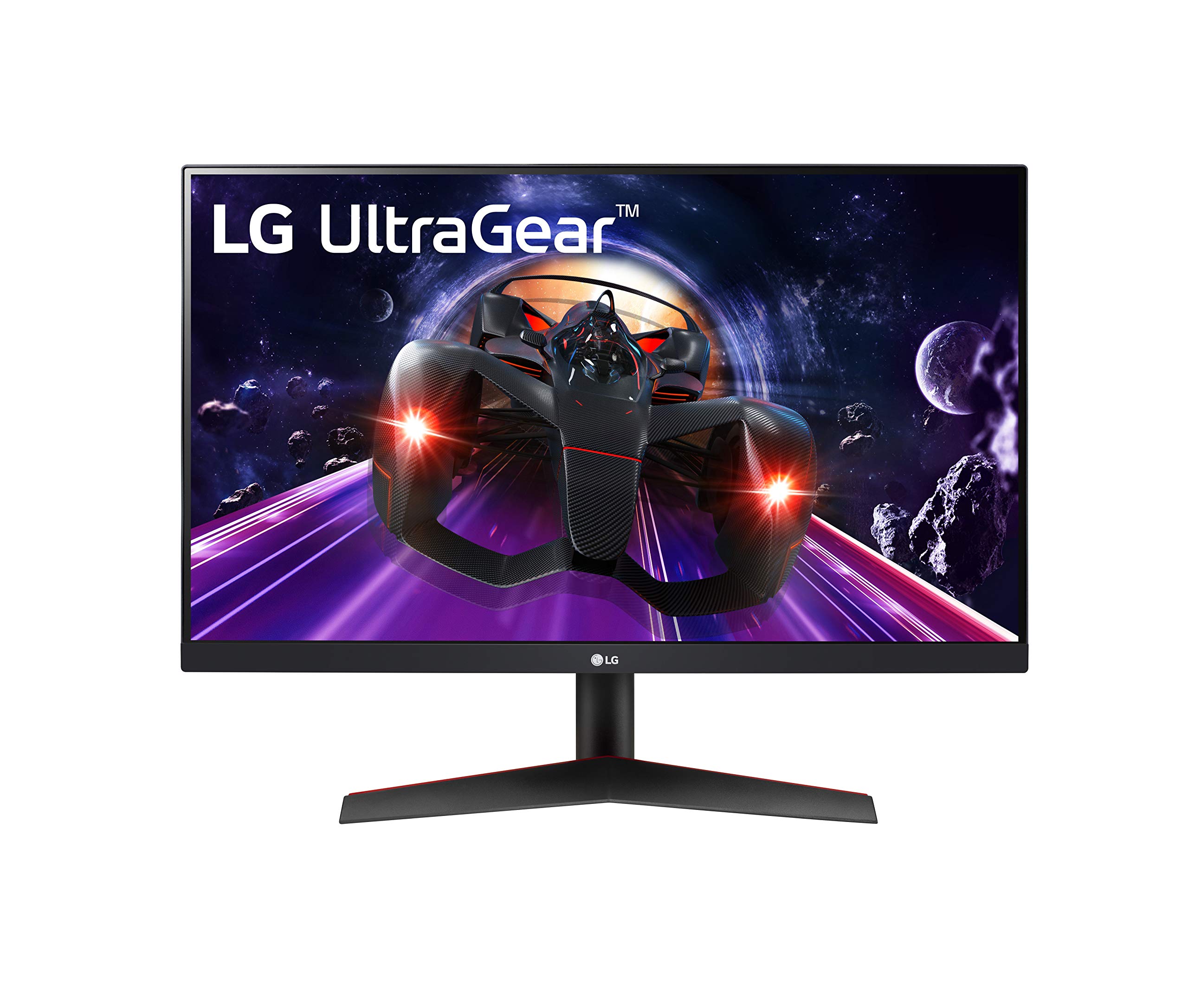
When shopping for the best refresh rates for gaming, look for monitors that offer 144Hz as a standard feature rather than an exclusive premium option. Many mid-range models now include this speed along with good response times and adaptive sync support. Below are some top-rated 144Hz monitors that deliver this balance of performance and value.


As an Amazon Associate, we may earn from qualifying purchases.
240Hz and beyond for competitive play
For esports enthusiasts chasing the edge in titles like Valorant or Counter-Strike 2, 240Hz is the new baseline. While 120Hz and 144Hz smooth out gameplay for most players, the jump to 240Hz reduces input lag and motion blur to a degree that matters in split-second duels. This refresh rate isn't just about visual fidelity; it's about responsiveness, ensuring that every mouse flick and frame update translates instantly to the screen.
If your hardware can push high frame rates, sticking to 144Hz feels like holding back. A 240Hz display captures more frames per second, making movement appear fluid and precise. This clarity helps you track enemies faster and react with less latency, which is critical in competitive environments where milliseconds determine victory.
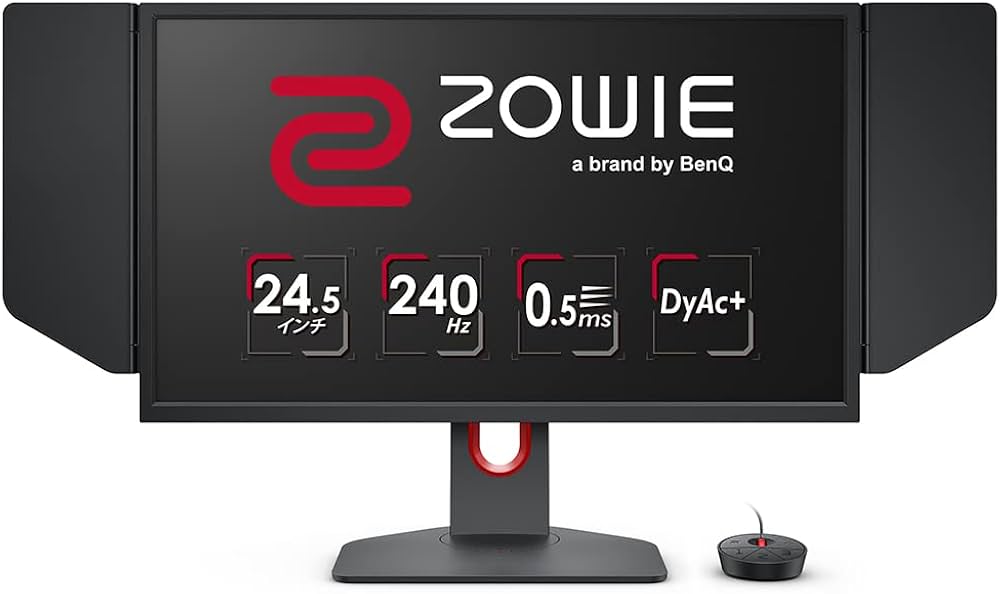
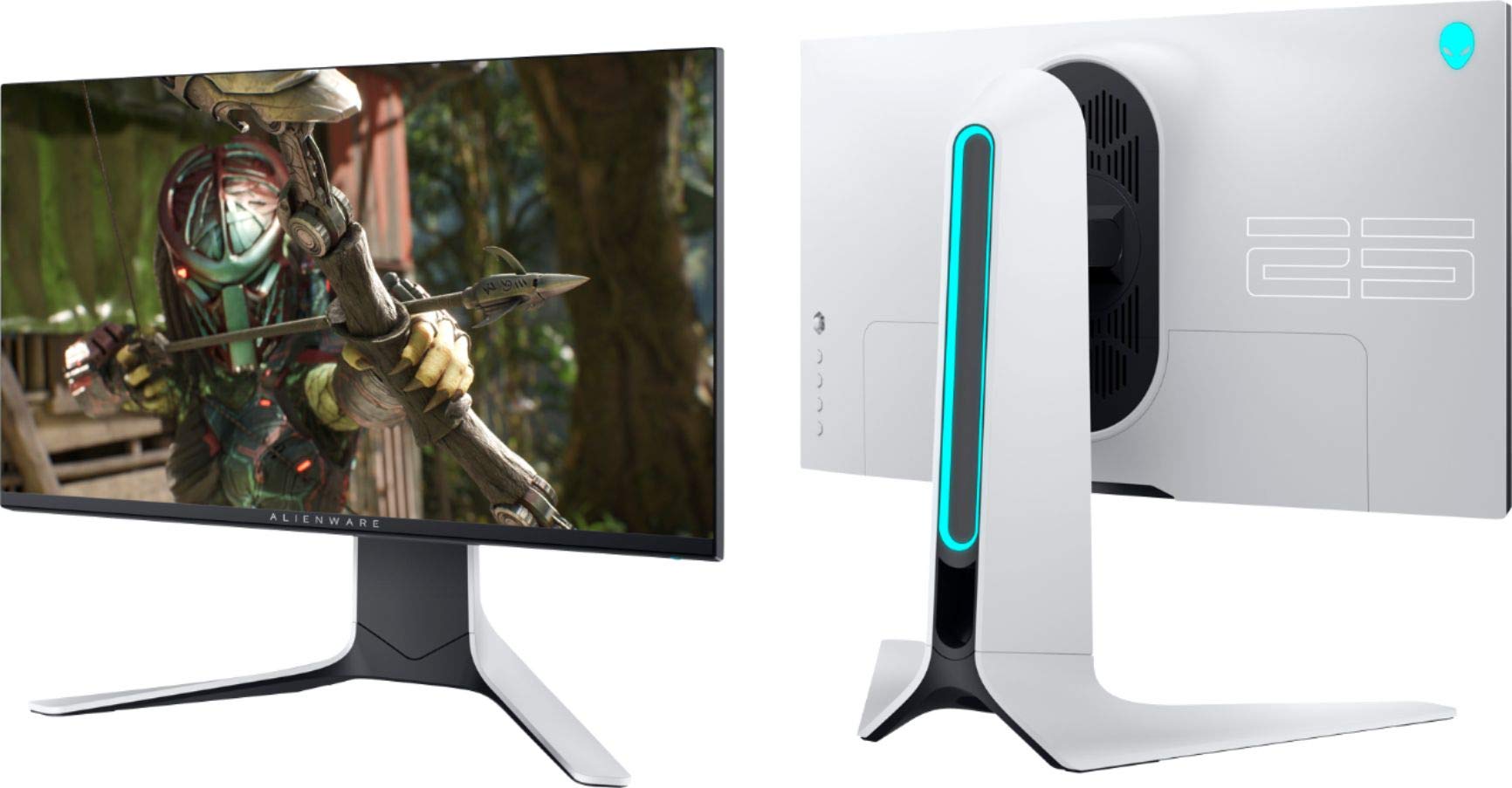
To get the most out of these high-refresh displays, you need monitors built for speed. Look for panels with low response times and adaptive sync technologies to prevent tearing. Below are some of the best refresh rates for gaming setups that prioritize competitive performance.

As an Amazon Associate, we may earn from qualifying purchases.
Match your GPU to the refresh rate
Buying a 240Hz monitor is pointless if your graphics card cannot push 240 frames per second (FPS) in your favorite games. The monitor will simply wait for the GPU to catch up, resulting in the same stuttering experience you would get from a 60Hz screen. Your GPU is the engine; the refresh rate is just the speedometer. If the engine cannot reach the speed, the speedometer doesn't matter.
A high refresh rate only provides value when your hardware can sustain it. If you are playing competitive shooters like Valorant or Counter-Strike 2, a mid-range card like the NVIDIA RTX 3060 might hit 144 FPS at 1080p, making a 144Hz monitor a worthwhile upgrade. However, the same card will struggle to hit 60 FPS in demanding titles like Cyberpunk 2020 at high settings. In that case, a 144Hz panel offers no advantage over a 60Hz one.
Check your current GPU capabilities before committing to a high-hertz display. If you cannot sustain the target FPS in your primary games, you are better off saving money for a better graphics card or sticking to a 60Hz or 120Hz monitor. The goal is to match the refresh rate to the frames your system can actually produce.
Best refresh rates for gaming: quick comparison
Choosing the right monitor depends on your budget, your GPU, and how competitive you play. The jump from 60Hz to 144Hz is the most noticeable upgrade for most players, while 240Hz is reserved for those chasing every frame advantage.
| Refresh Rate | Best For | GPU Demand | Typical Cost |
|---|---|---|---|
| 60Hz | Casual, single-player games | Low | Budget |
| 120Hz | Balanced gaming and media | Moderate | Mid-range |
| 144Hz | Competitive shooters, esports | High | Mid-to-high |
| 240Hz | Pro-level competitive play | Very high | Premium |
Common questions about monitor Hz
Understanding how refresh rates interact with your hardware helps you choose the best refresh rates for gaming without overspending on specs you can't utilize. Here are answers to the most frequent technical queries.
No comments yet. Be the first to share your thoughts!